|
|
课程介绍
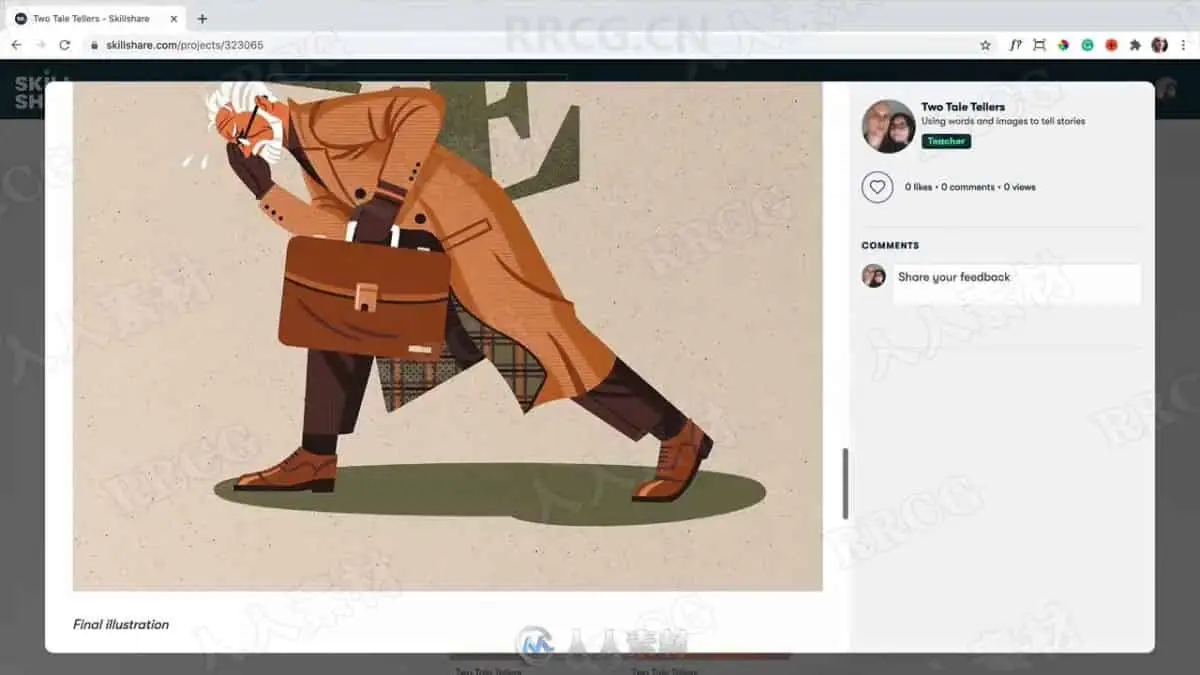
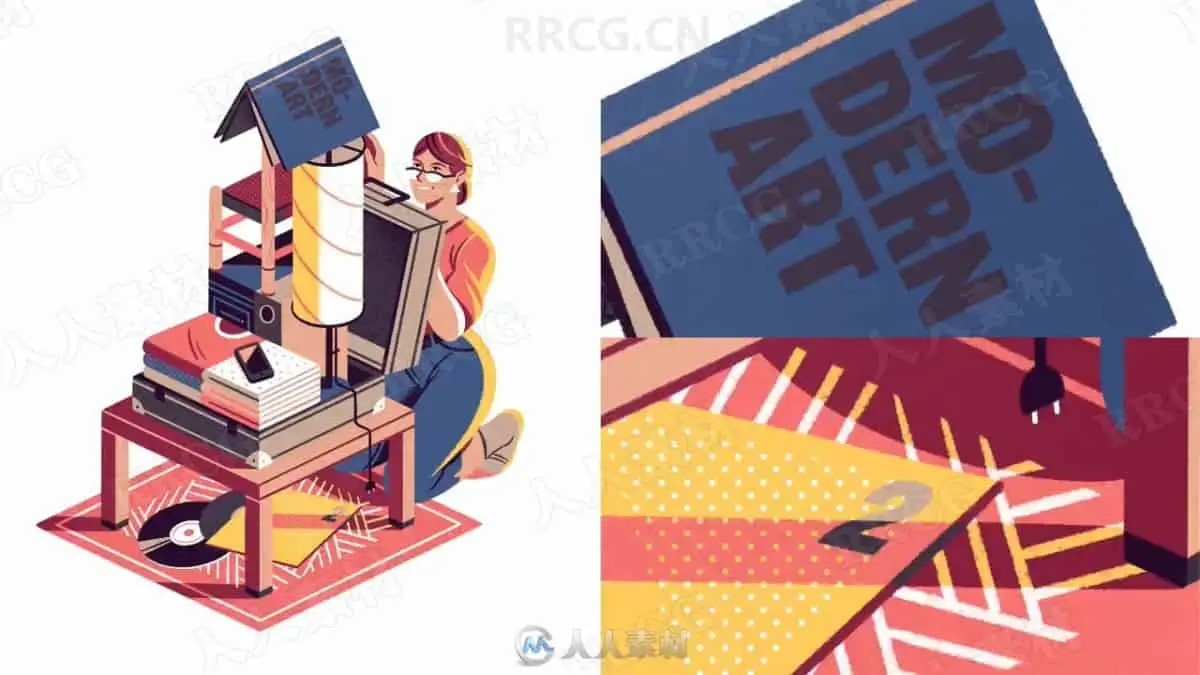
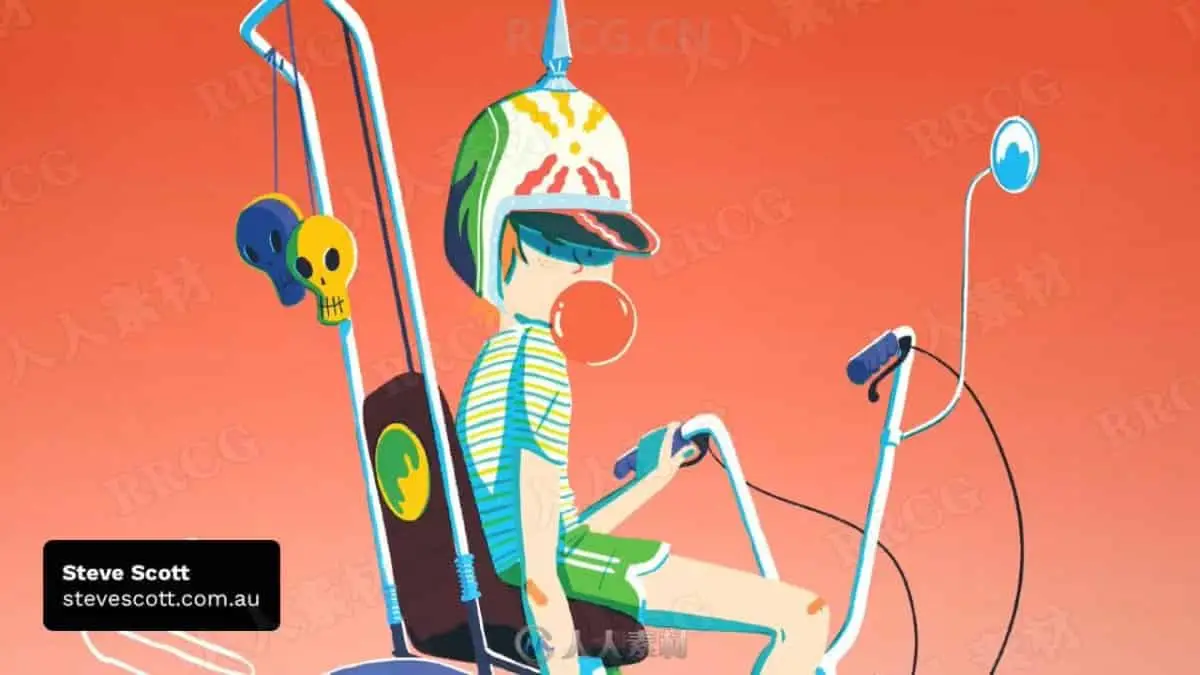
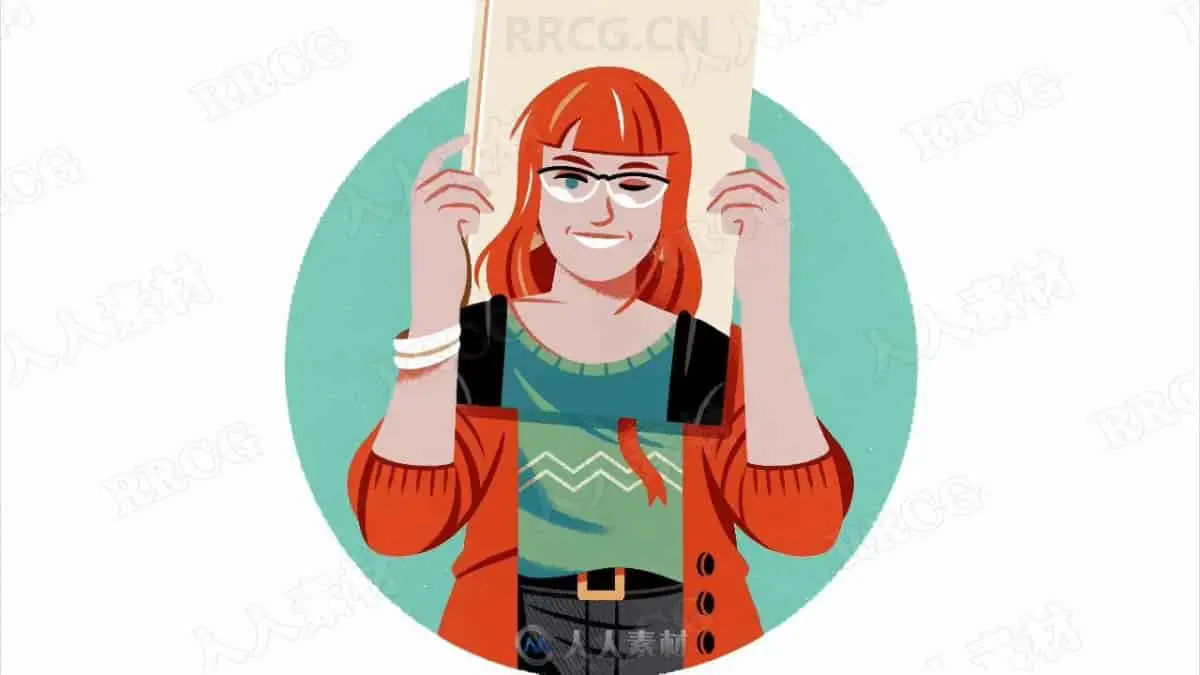
本视频教程是AI初学者2D插图版式设计视频教程,时长:1小时11分,大小:479 MB,MP4视频格式,教程使用软件:Illustrator CC,共12个章节,作者:Two Tale Tellers,语言:英语。
Adobe Lightroom是一款以后期制作为重点的图形工具,Adobe的目标是将其打造成未来数字图形处理的标准,Lightroom的界面和功能与苹果推出的 Aperture颇为相似,主要面向数码摄影、图形设计等专业人士和高端用户,支持各种RAW图像,主要用于数码相片的浏览、编辑、整理、打印等.
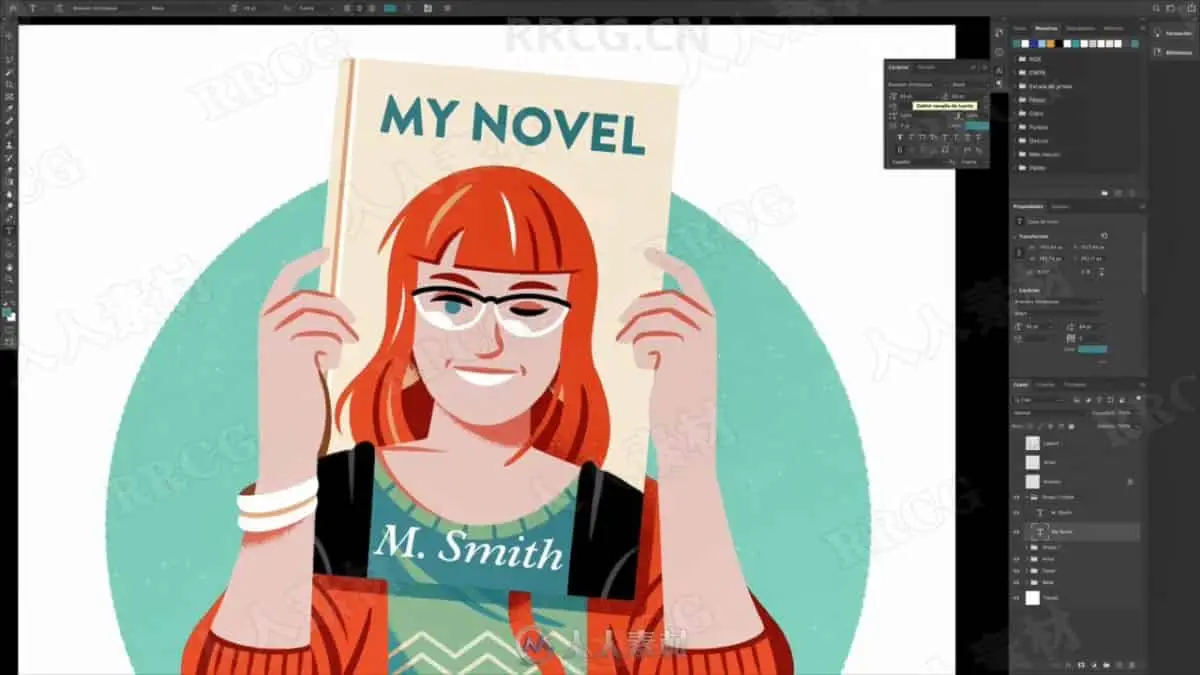
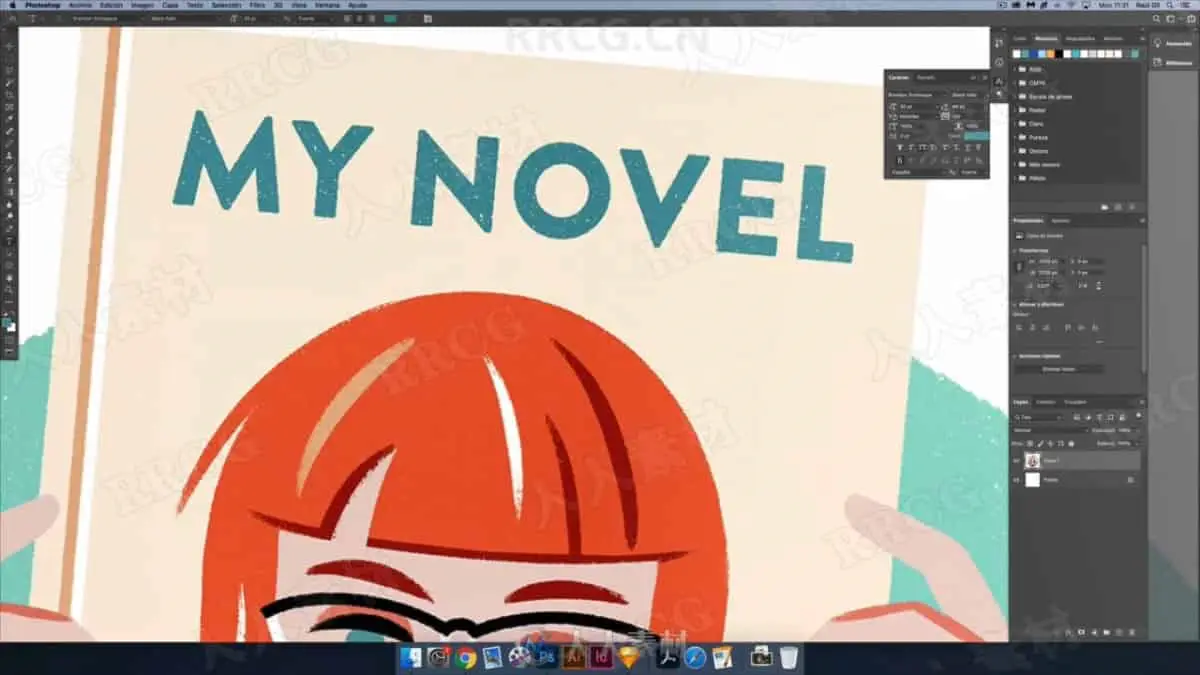
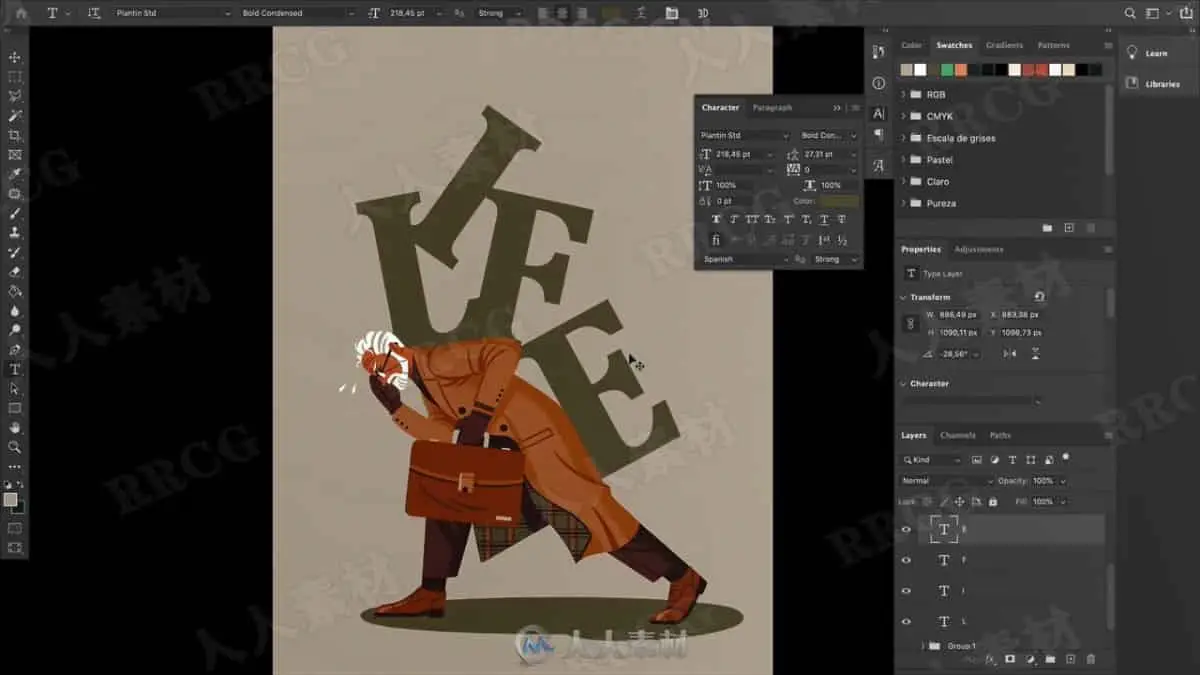
Have you ever needed to incorporate typography into your illustrations without knowing exactly which one to choose or how to use it naturally in your work? Have you been curious about the possibilities not only functional but also plastic, aesthetic of typography?
How to play with them from the perspective of an illustrator or an artist? Have you felt somewhat intimidated by it, because it’s complex and, in theory, oriented to graphic designers? This class is for you.
What this class is and is not
This is not a graphic or typographic design class, but in it, you will learn a little more about typography, how to use it practically and intuitively, how to integrate it into your regular work as an illustrator and how to use it from a more graphic perspective.
What you’ll learn
By the end of this class, you will have some practical notions of typography and new creative tools. And hopefully, some new and interesting illustrations that allow you to elevate your portfolio.
What you need
To do the class you will basically need your creativity, the means you prefer to make sketches and your usual tools, as long as they allow you to manipulate typography at least in a basic way: Illustrator, Photoshop, Procreate, Affinity Designer… any of them will work for you.
This class is especially addressed to:
Illustrators with an interest in learning how to use typography in their work but is completely open to anyone creative with an interest in typography or illustration.
解压密码
|
本帖子中包含更多资源
您需要 登录 才可以下载或查看,没有账号?立即注册
x
本站所有内容均由互联网收集整理、网友上传,并且以计算机技术研究交流为目的,仅供大家参考、学习,请勿用于任何商业目的与商业用途,如需商用请支持正版!如亲下载后改变其用途与使用方式,与本站无任何关系,本站已经进行告知义务!我们只做安全认证测试如果资源侵犯了您的版权利益,请联系站长邮箱:dsymbcom@gmail.com
|