|
|
课程介绍
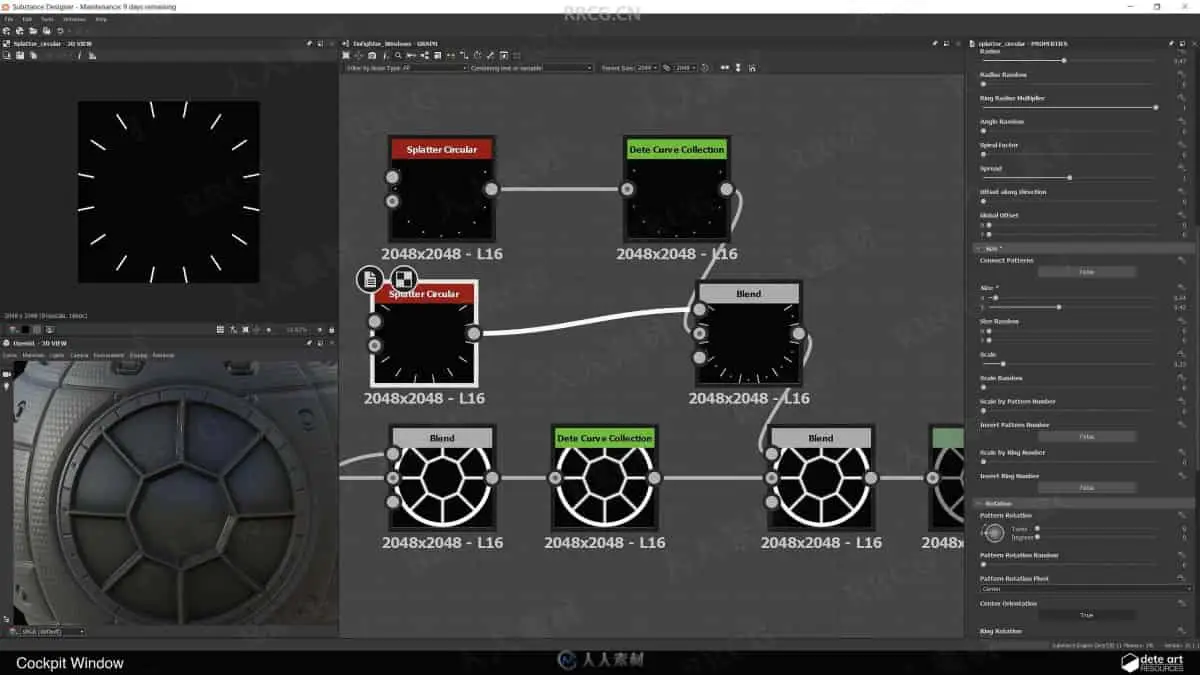
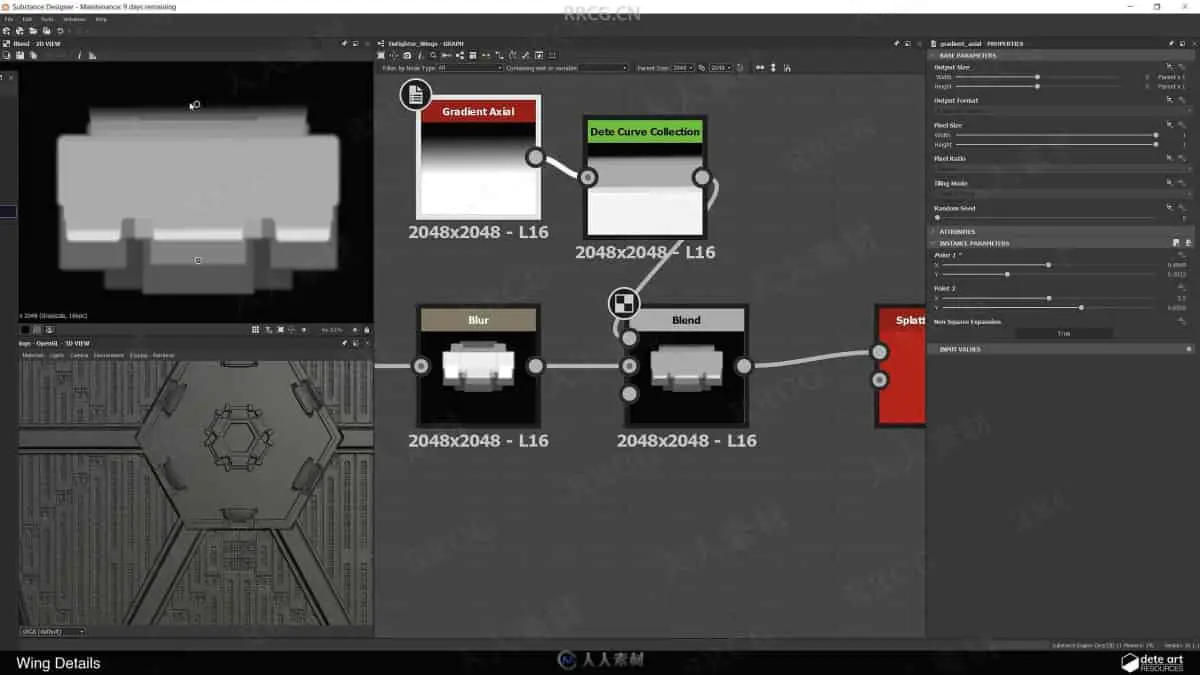
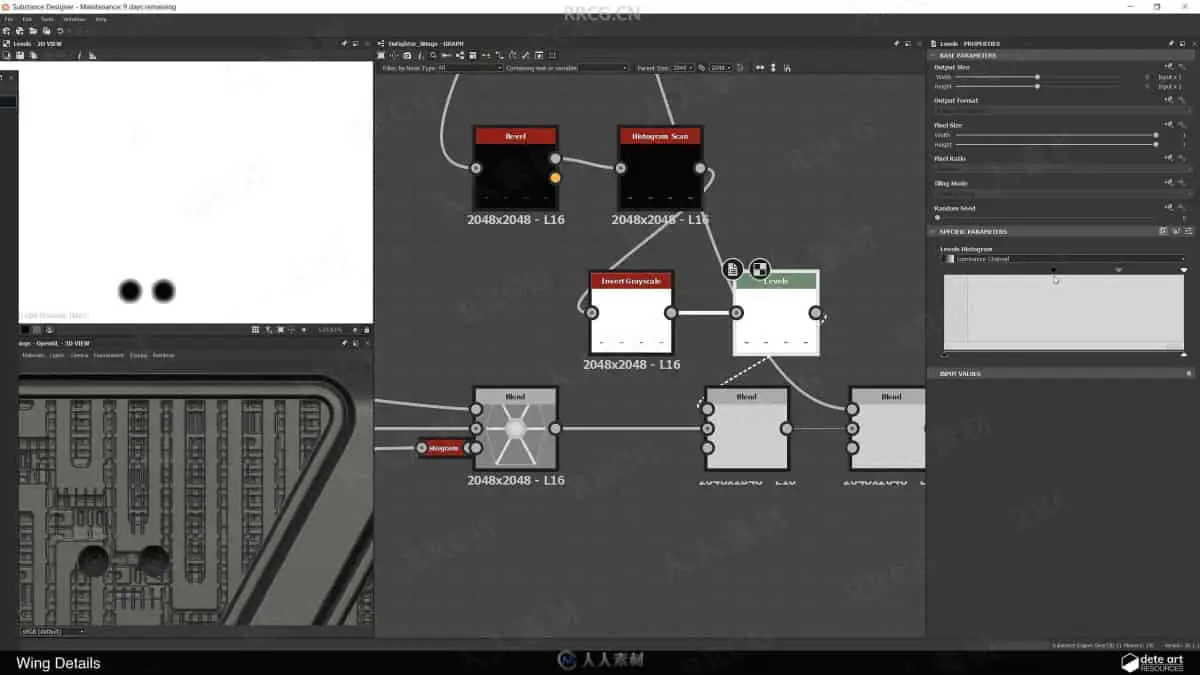
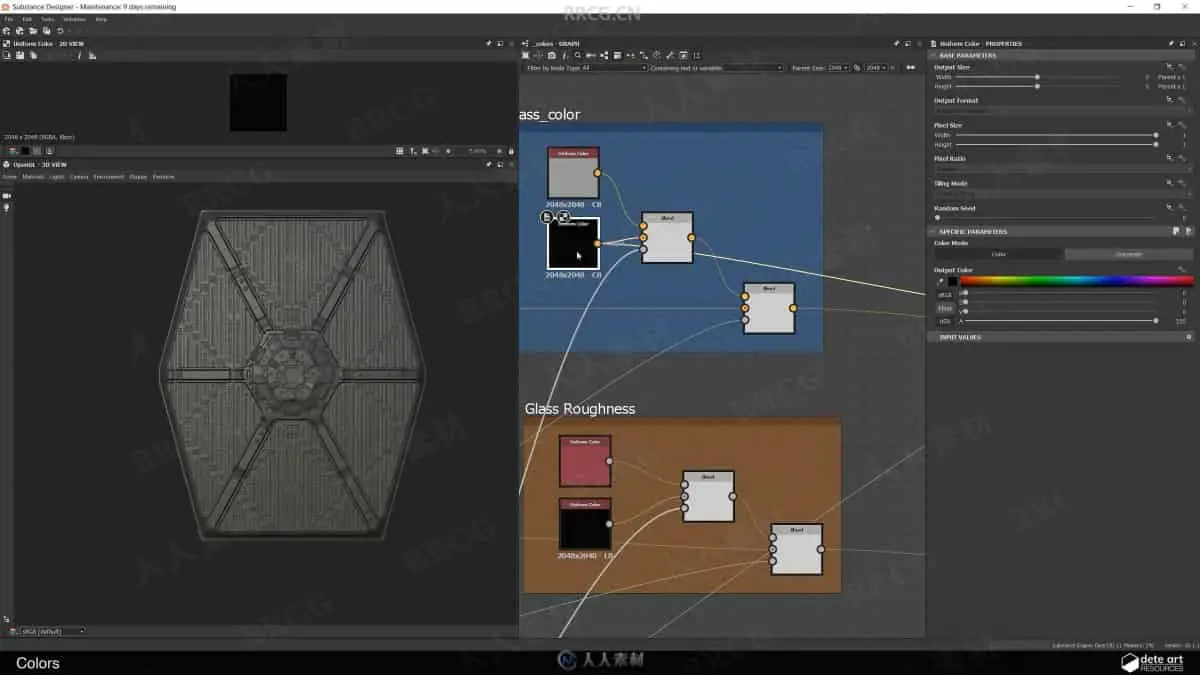
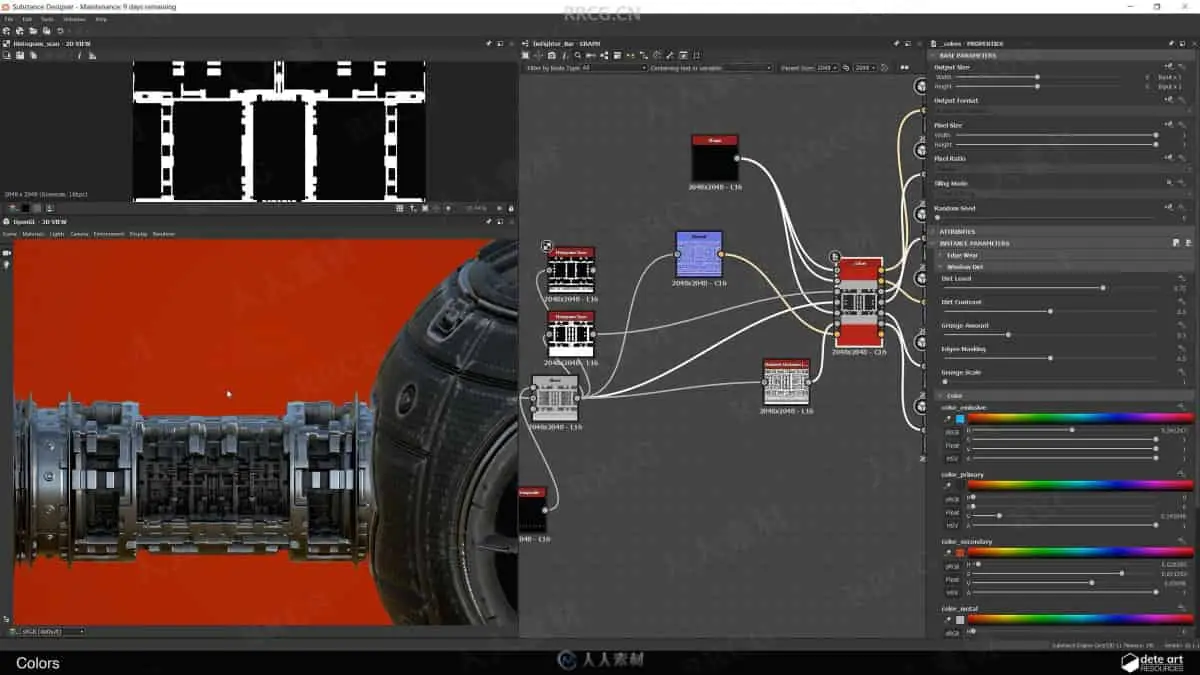
本教程是关于Substance Designer科幻星球模型创建视频教程,时长:5小时26分钟,大小:3.1 GB,MP4高清视频格式,教程使用软件:Substance Designer,作者:Daniel Thiger,共13个章节,语言:英语。
Substance Designer是Substance贴图工具产品系列之一,它可以帮助美术师高效地创建并且重复应用贴图。Substance Designer是首款能够混合及应用位图, 矢量图和其他元素的专业贴图工具,使用它能够制作复杂的贴图。用Substance Designer制作的贴图具有许多传统位图不具备的优势。后者相对静止且用线性方式制作,而用Substance Designer制作的贴图更具活力,在制作的每个阶段都可以被高度的自定义。
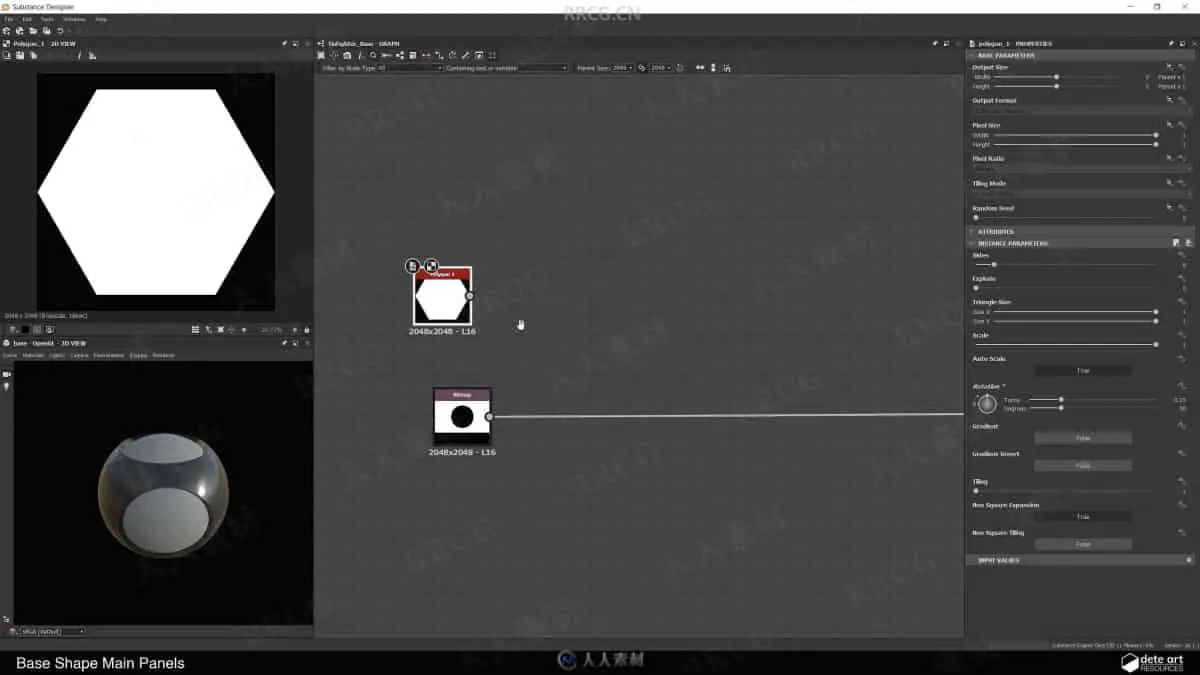
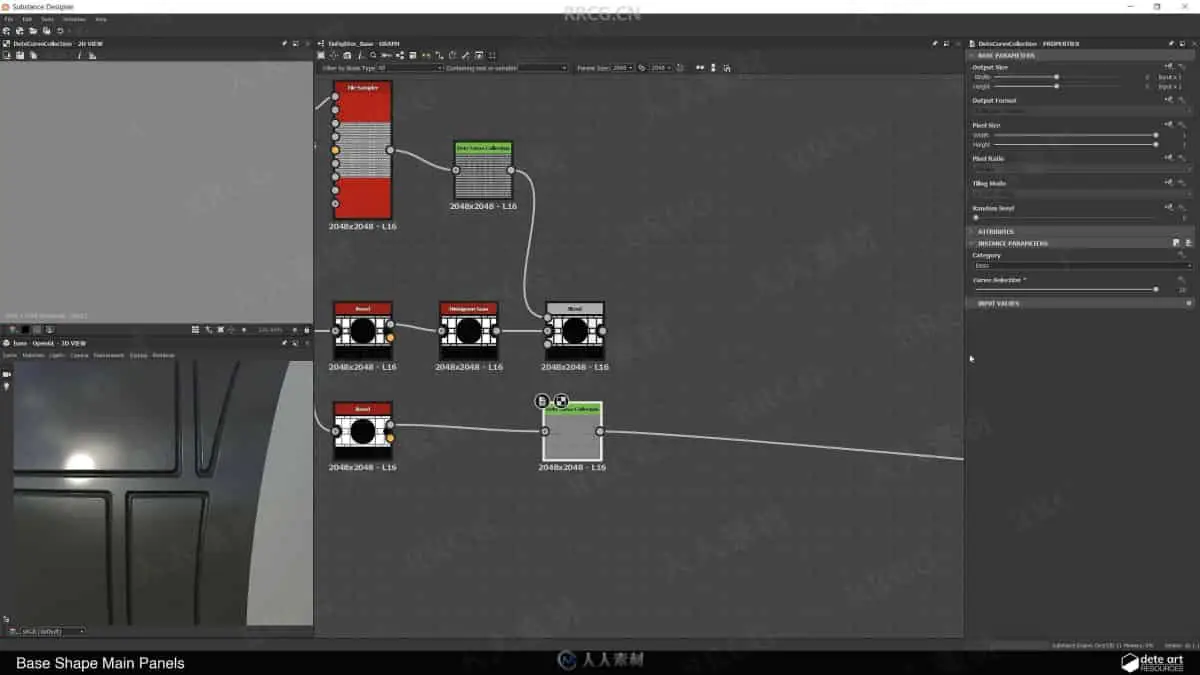
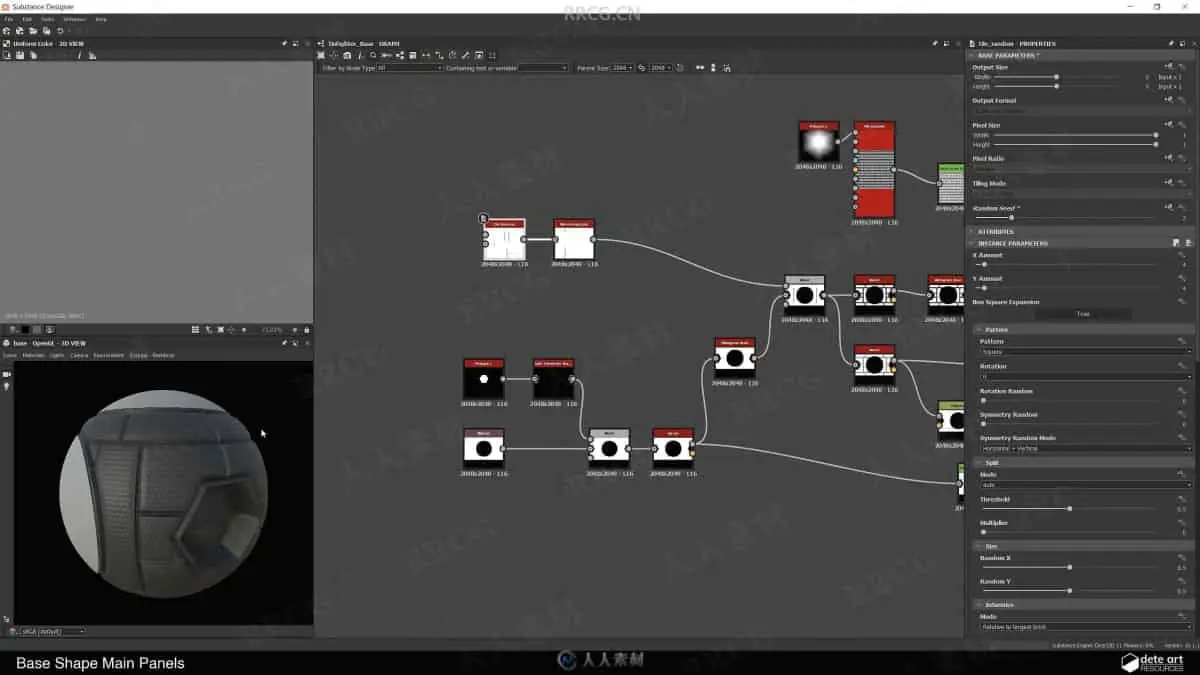
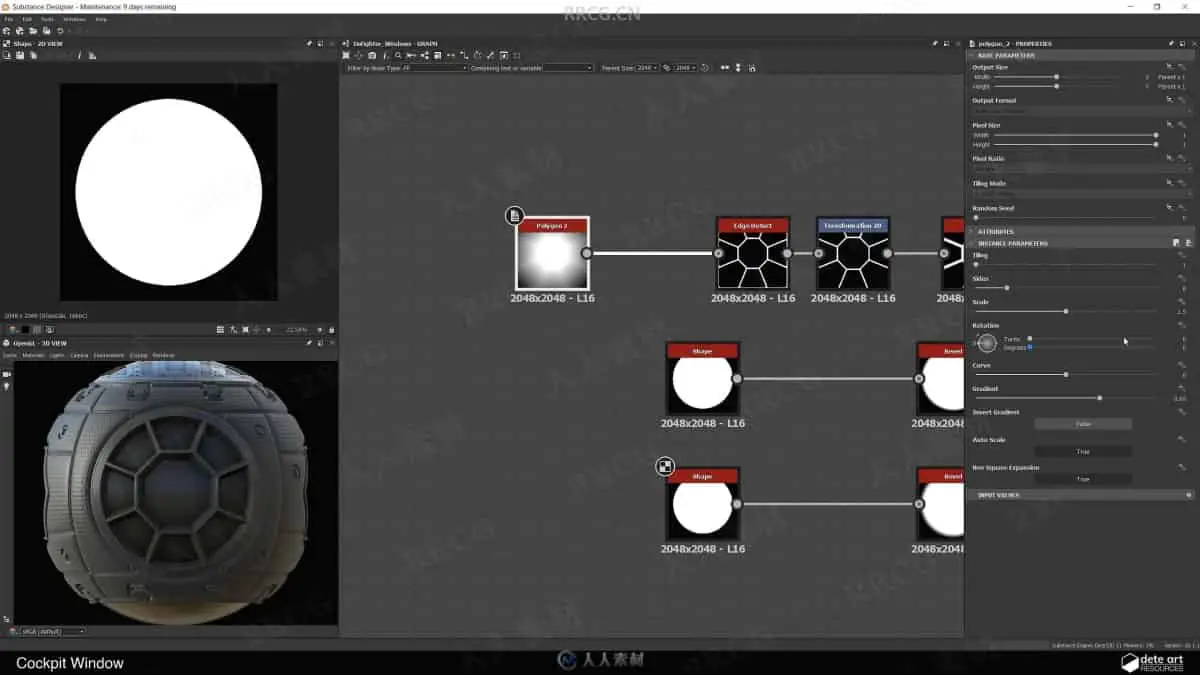
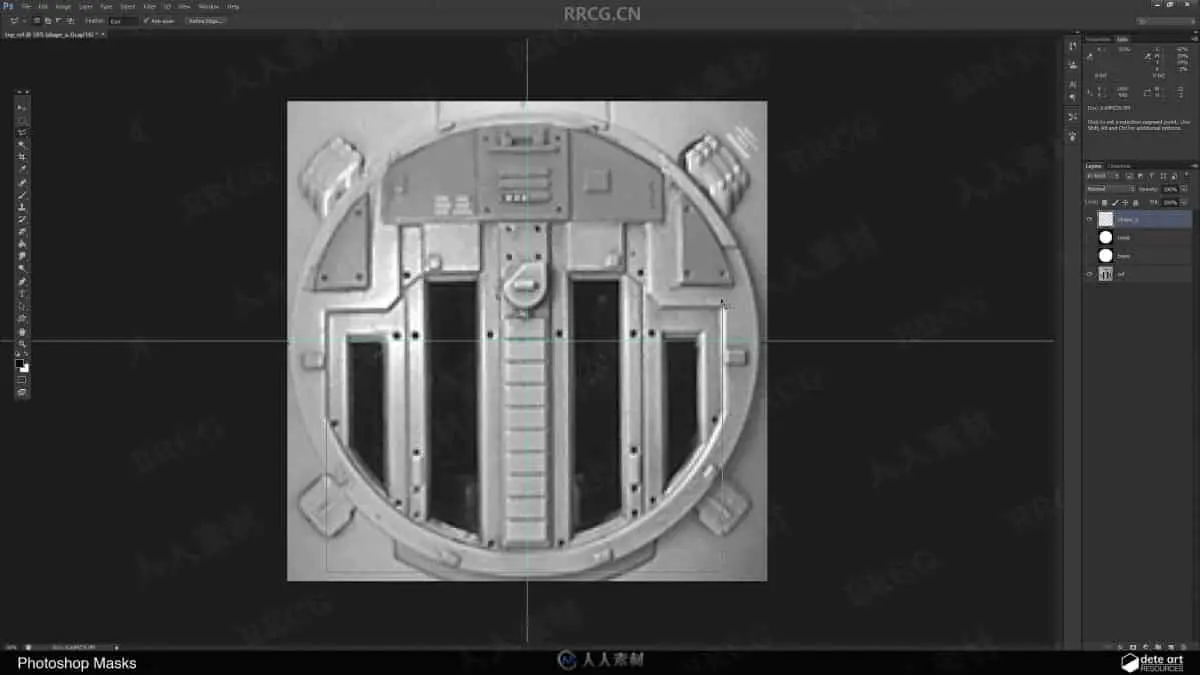
Star Wars has always been is a huge source of inspiration for me. In this tutorial we will be recreating the iconic Tie Fighter using Substance Designer. We’ll walk through various techniques as we create each of the different components. The tutorial is broken down into 12 parts where we focus on one component at a time, building each one from scratch. We start by walking through the geometry we are going be using for this project, as well creating some masks in Photoshop. We then follow up with the creation of the base panels, windows, wings and finally end with creating the colors.
The goal of the tutorial is not to recreate the exact Tie Fighter from the movies but instead find good procedural solutions to create/generate hard surface details. This tutorial gives a comprehensive insight into how to break down complex projects into manageable chunks.
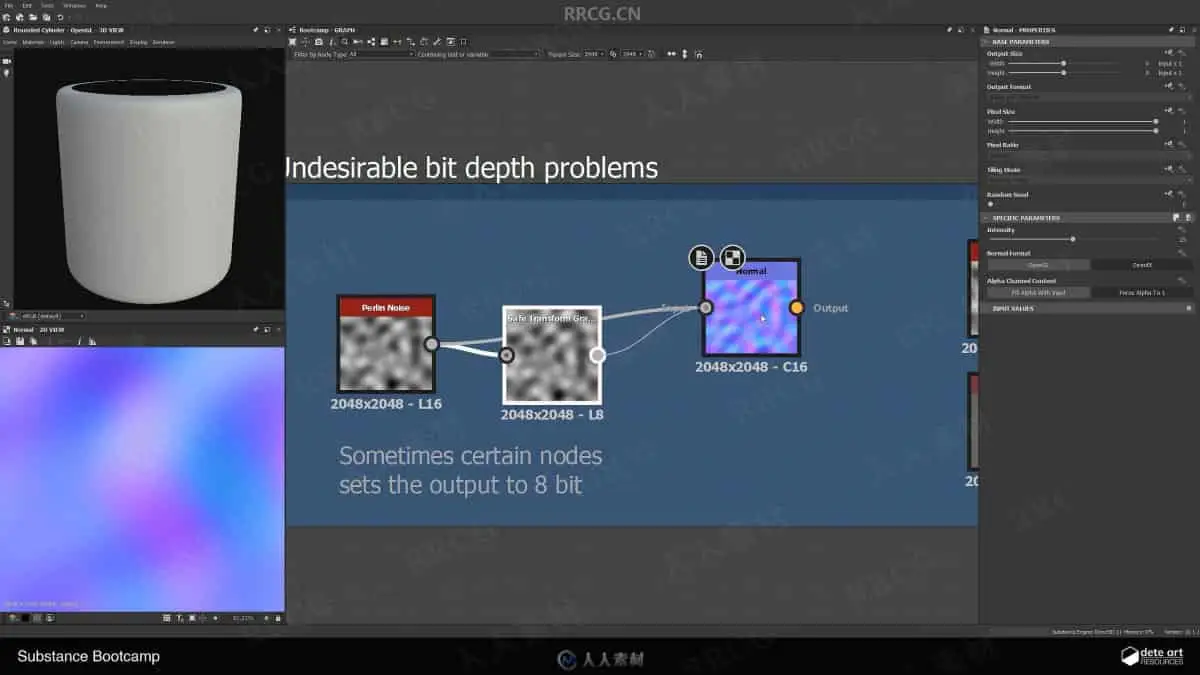
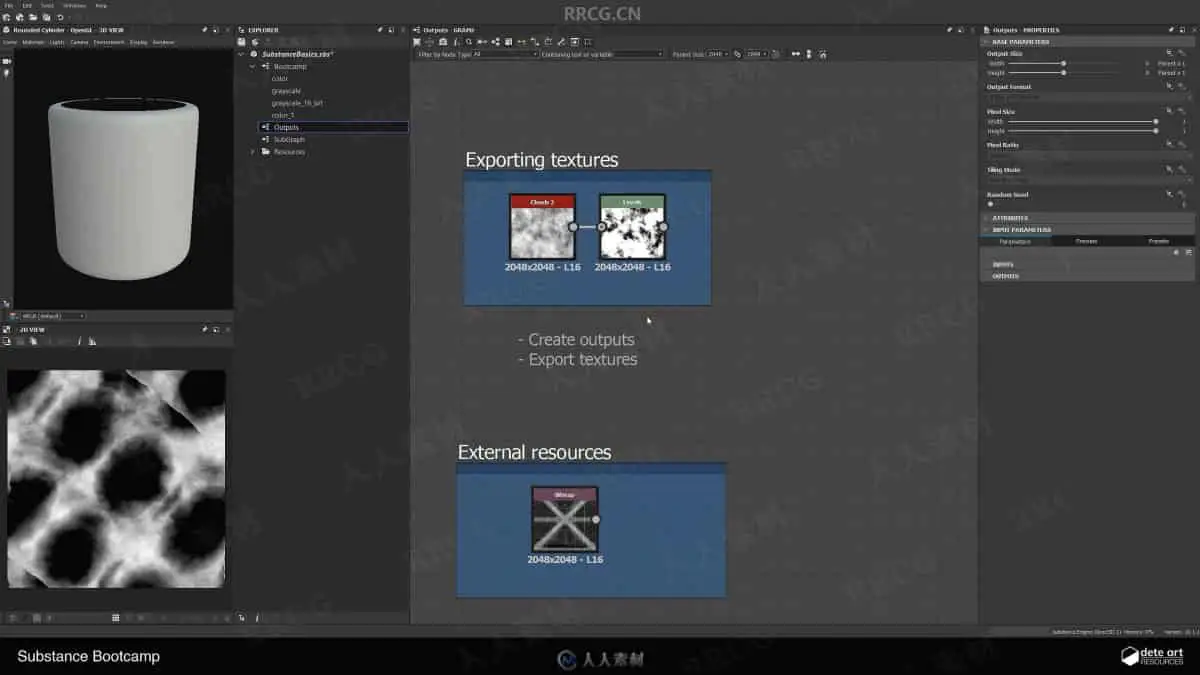
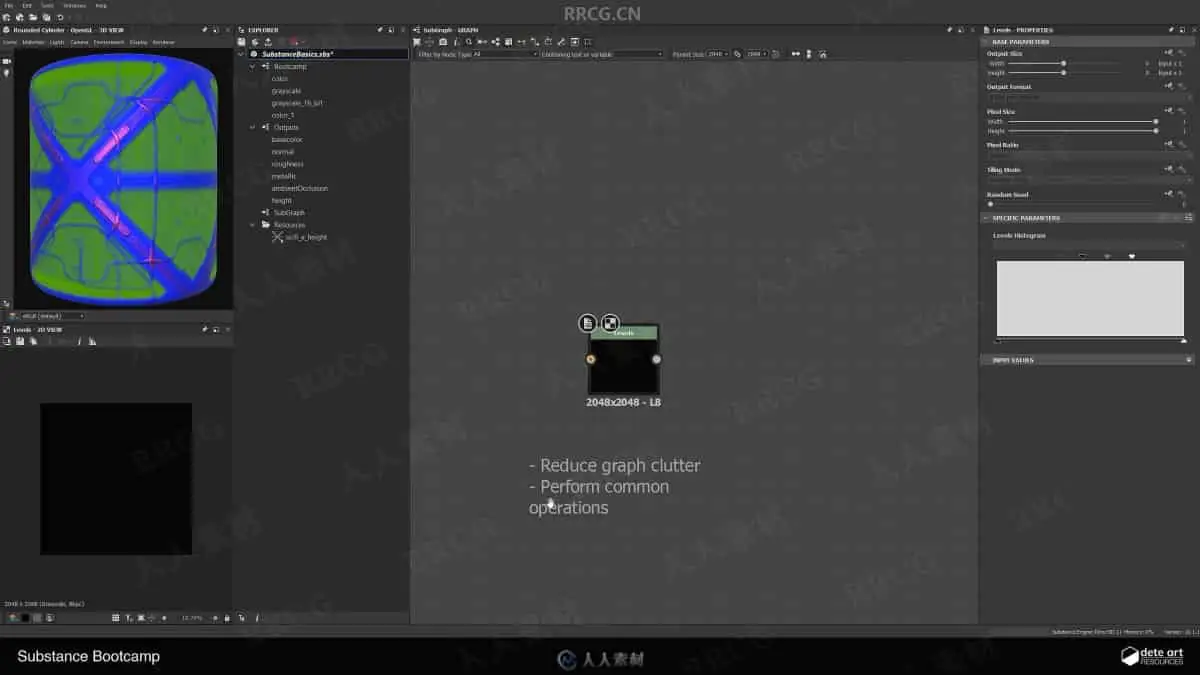
Included is my new Substance boot-camp videos that will help any beginner navigate the UI as well as get familiar with working with nodes.
Also included are many of my custom Substance Designer nodes that you can find out more about here: http://www.artstation.com/artwork/YaZ1k3.
Contents
– Over 4.5 hours of training
– Substance Designer utility nodes: DeteClamp, DeteCurveCollection, DeteDuplicator, DeteLowPassing, DetePatternPlacer.
– Project Geometry
解压密码
|
本帖子中包含更多资源
您需要 登录 才可以下载或查看,没有账号?立即注册
x
本站所有内容均由互联网收集整理、网友上传,并且以计算机技术研究交流为目的,仅供大家参考、学习,请勿用于任何商业目的与商业用途,如需商用请支持正版!如亲下载后改变其用途与使用方式,与本站无任何关系,本站已经进行告知义务!我们只做安全认证测试如果资源侵犯了您的版权利益,请联系站长邮箱:dsymbcom@gmail.com
|