|
|
课程介绍
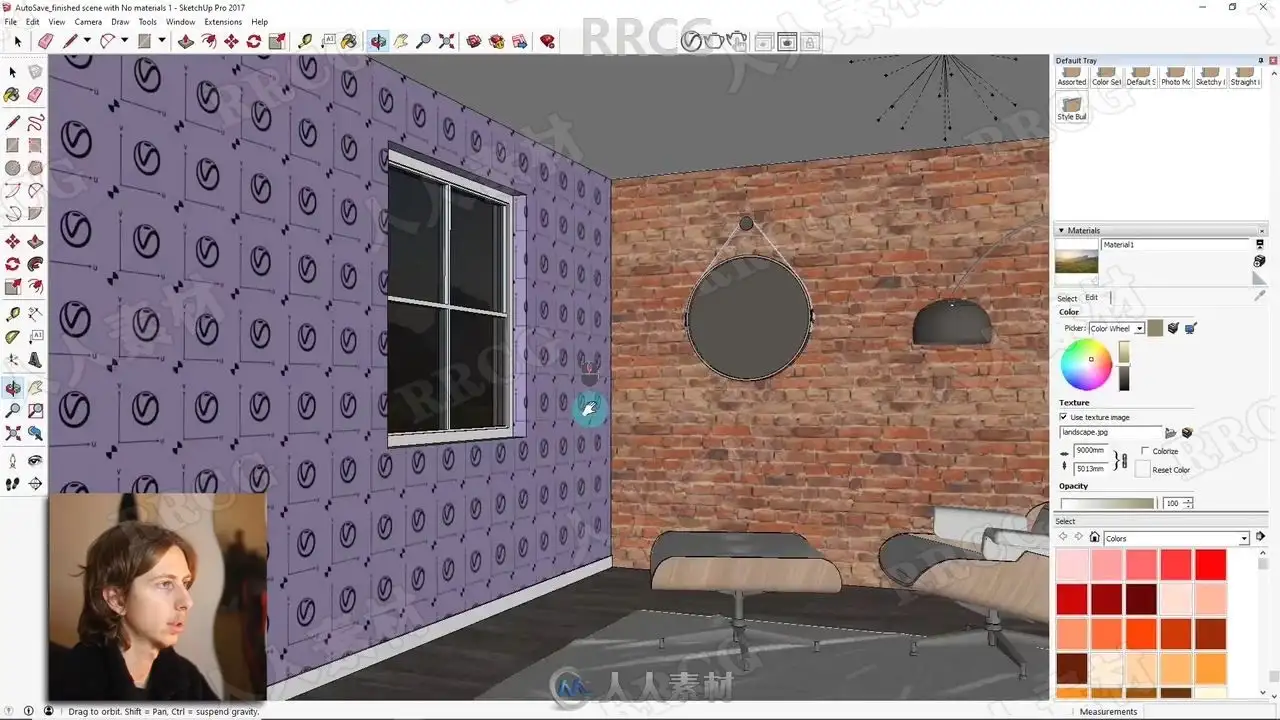
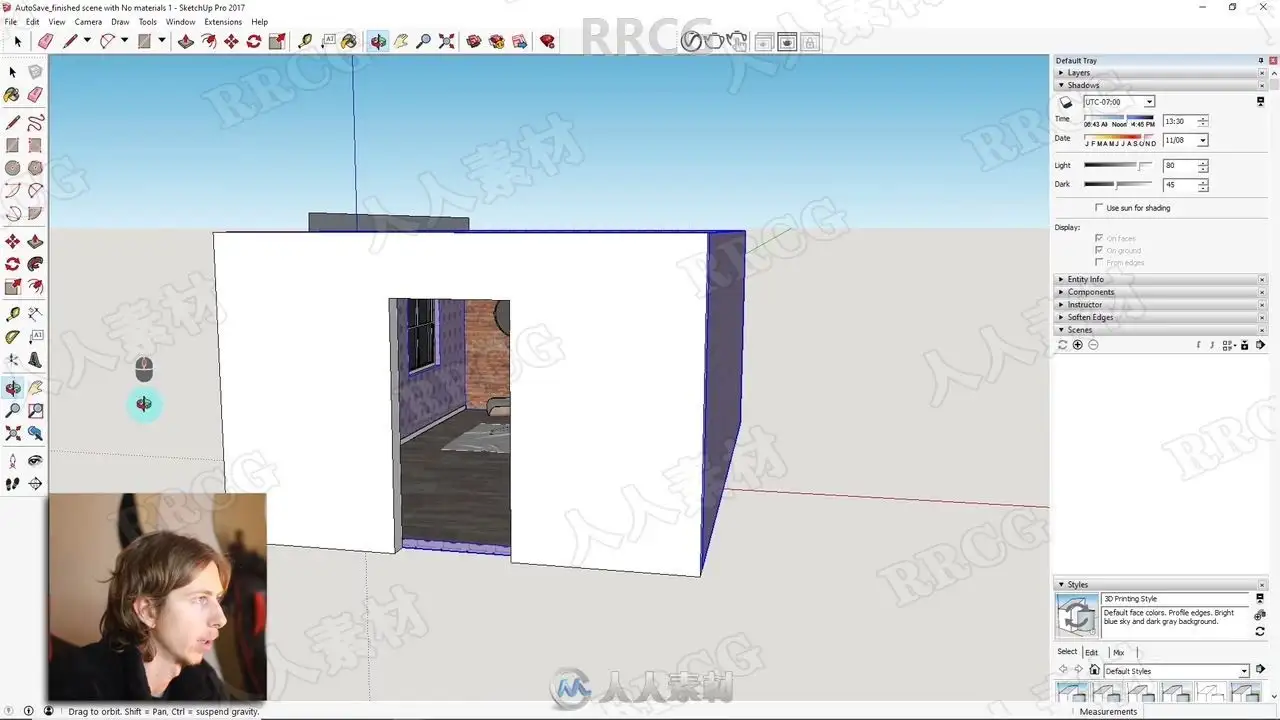
本教程是关于SketchUp中VRay照片级渲染技术训练视频教程,时长:1小时02分,大小:520 MB,MP4高清视频格式,教程使用软件:SketchUp,Vray,附源文件,作者:Jake T,共15个章节,语言:英语。
Sketchup是一套直接面向设计方案创作过程的设计工具,其创作过程不仅能够充分表达设计师的思想而且完全满足与客户即时交流的需要,它使得设计师可以直接在电脑上进行十分直观的构思,是三维建筑设计方案创作的优秀工具。SketchUp是一个极受欢迎并且易于使用的3D设计软件,官方网站将它比喻作电子设计中的“铅笔”。它的主要卖点就是使用简便,人人都可以快速上手。并且用户可以将使用SketchUp创建的3D模型直接输出至Google Earth里,非常的酷!Software公司成立于2000年,规模较小,但却以SketchUp而闻名。
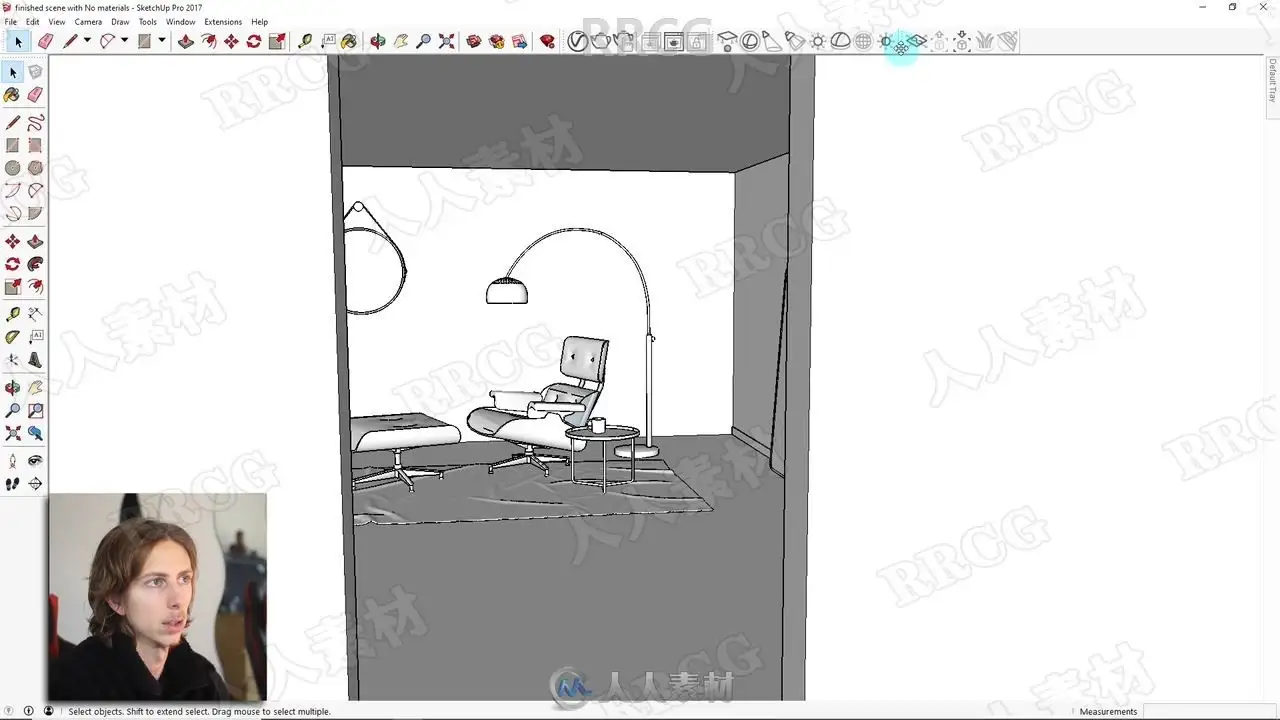
In this lesson I will show you the steps required so that you can begin creating photo realistic renders with Vray and SketchUp.
This lesson is Perfect for Beginners and for those who want to increase their knowledge and rendering skills in Vray.
If you want to follow along with the lesson Please Download the blank model I have created in the Resources section of this lesson. If not you can follow along and learn whilst applying materials in your own scene.
The point I will cover include;
How to Open up Vray in Sketchup and navigation around it
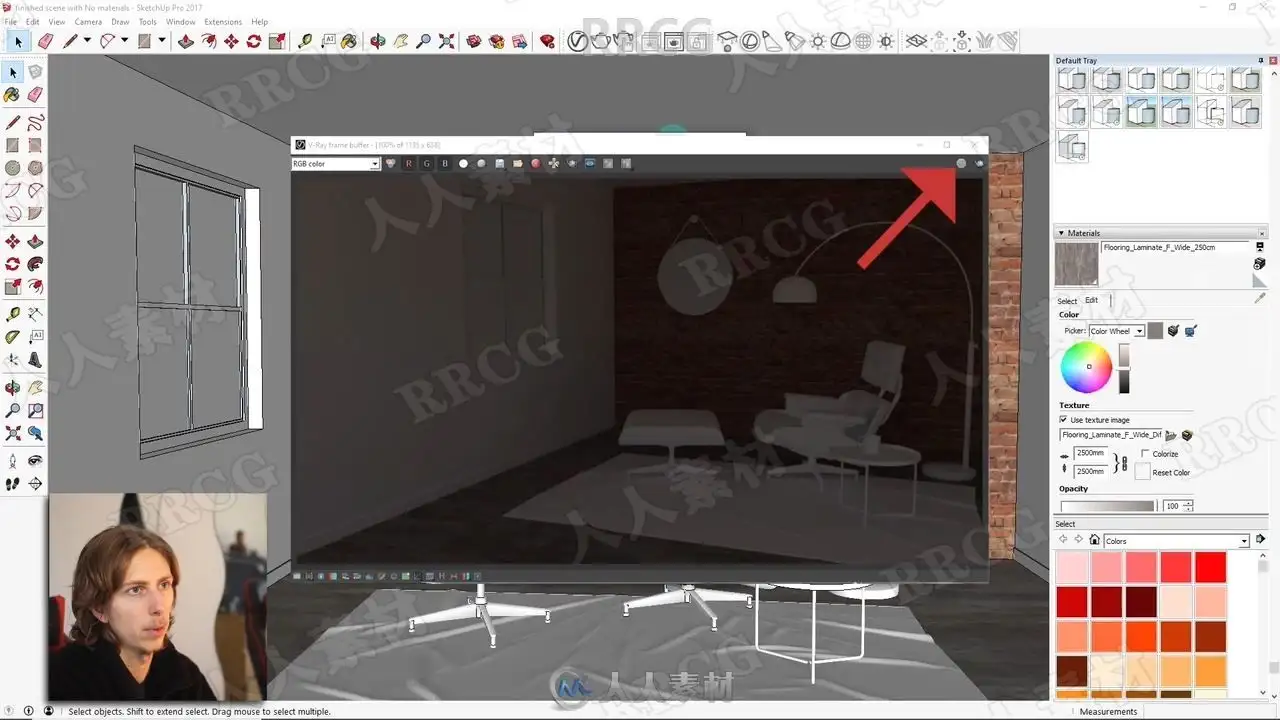
Explain the settings and adjustments with Vray
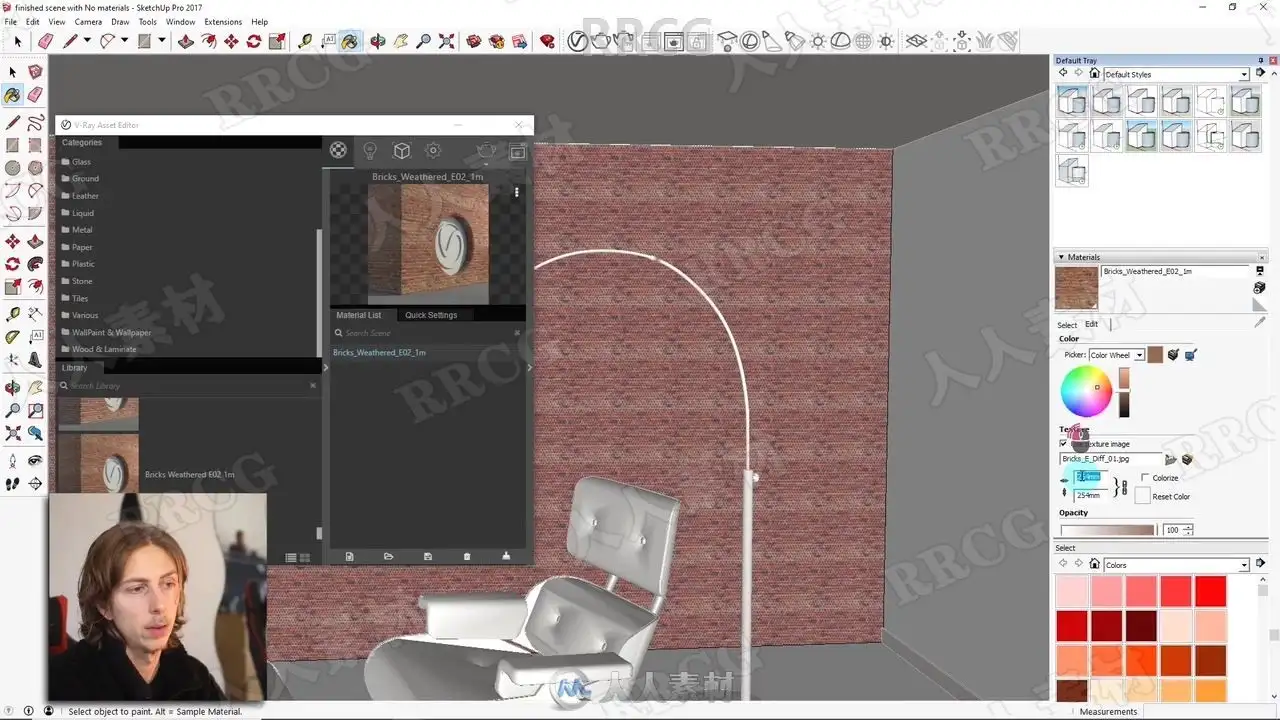
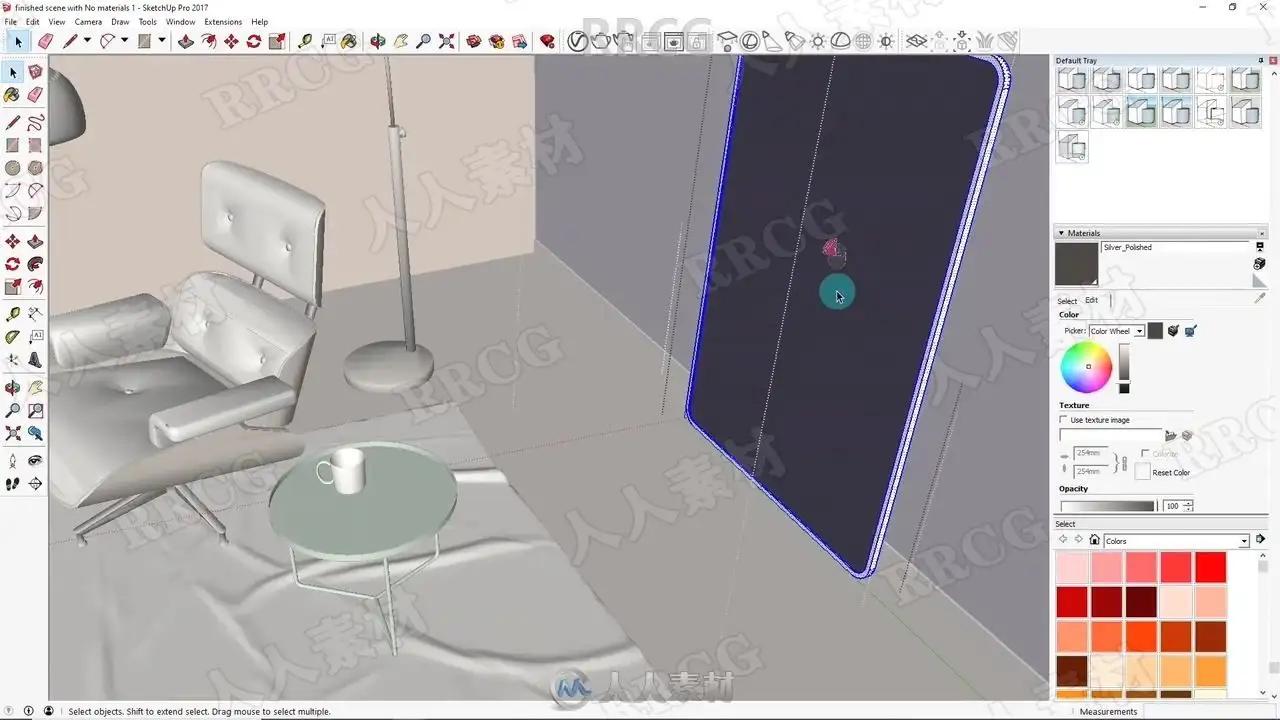
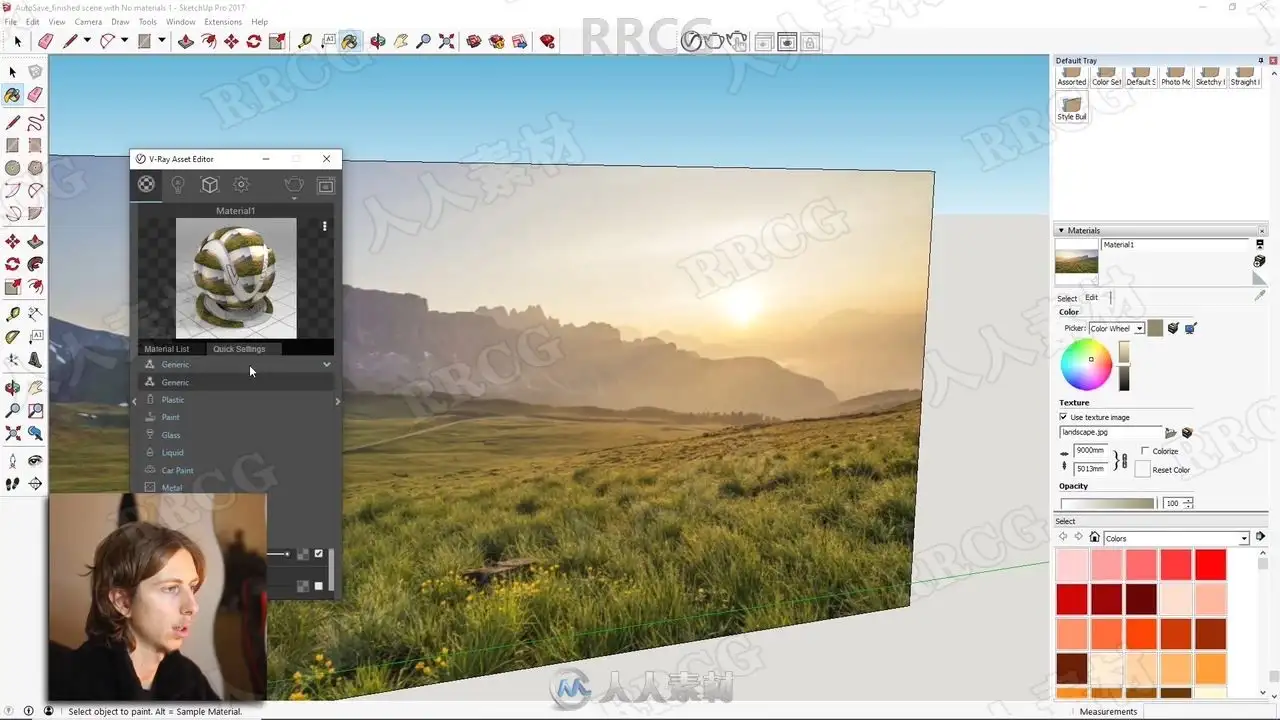
Open the material list and apply textures within our model
Create realistic lighting using Vray elements to light our scenes including the Spotlight and OmniLight
Explain how we can add a scene outside a window and light it correctly
Show you how to render and the key ideas for creating a good dynamic render
Look at how we can use the Depth of Field setting to create defocus in our renders
If you have any questions or problems please let me know in the discussion section of the lesson,
This lesson is great for Beginners wanting to learn how to use Vray to create great Interior Design renders, these techniques can also be applied for Product and Industrial Design renders.
解压密码
|
本帖子中包含更多资源
您需要 登录 才可以下载或查看,没有账号?立即注册
x
本站所有内容均由互联网收集整理、网友上传,并且以计算机技术研究交流为目的,仅供大家参考、学习,请勿用于任何商业目的与商业用途,如需商用请支持正版!如亲下载后改变其用途与使用方式,与本站无任何关系,本站已经进行告知义务!我们只做安全认证测试如果资源侵犯了您的版权利益,请联系站长邮箱:dsymbcom@gmail.com
|